

Moving crypto between platforms sounds simple, but one small mistake like a wrong address or network can result in permanent loss. If you're trying to transfer funds from Robinhood to Coinbase, the process is straightforward once you understand the exact steps.
This guide explains everything clearly, including real scenarios, common mistakes, and what actually happens behind the scenes.
What You Need Before Transferring
Before starting, make sure a few basics are in place.
You must have crypto available in your Robinhood account and withdrawals enabled. Not all users had this feature in the past, but now Robinhood supports crypto transfers for many assets.
You also need a receiving wallet address from Coinbase. This is where your crypto will be sent.
One important detail: both platforms must support the same cryptocurrency and network. For example, if you’re sending Ethereum, the receiving wallet must also support Ethereum on the correct network.
Step 1: Get Your Coinbase Wallet Address
Start by opening Coinbase.
Go to the “Receive” section and select the cryptocurrency you want to receive. Coinbase will generate a wallet address for that specific asset.
This address is a long string of characters. Copy it carefully.
Real insight
Each crypto has its own unique address. Sending Bitcoin to an Ethereum address (or vice versa) will result in loss of funds.
Always double-check before moving to the next step.
Step 2: Open Robinhood and Select Crypto
Now switch to Robinhood.
Go to your crypto holdings and select the asset you want to transfer. Look for the “Send” or “Withdraw” option.
Robinhood may ask you to verify your identity again or complete security checks before allowing transfers.
This is normal and part of their security system.
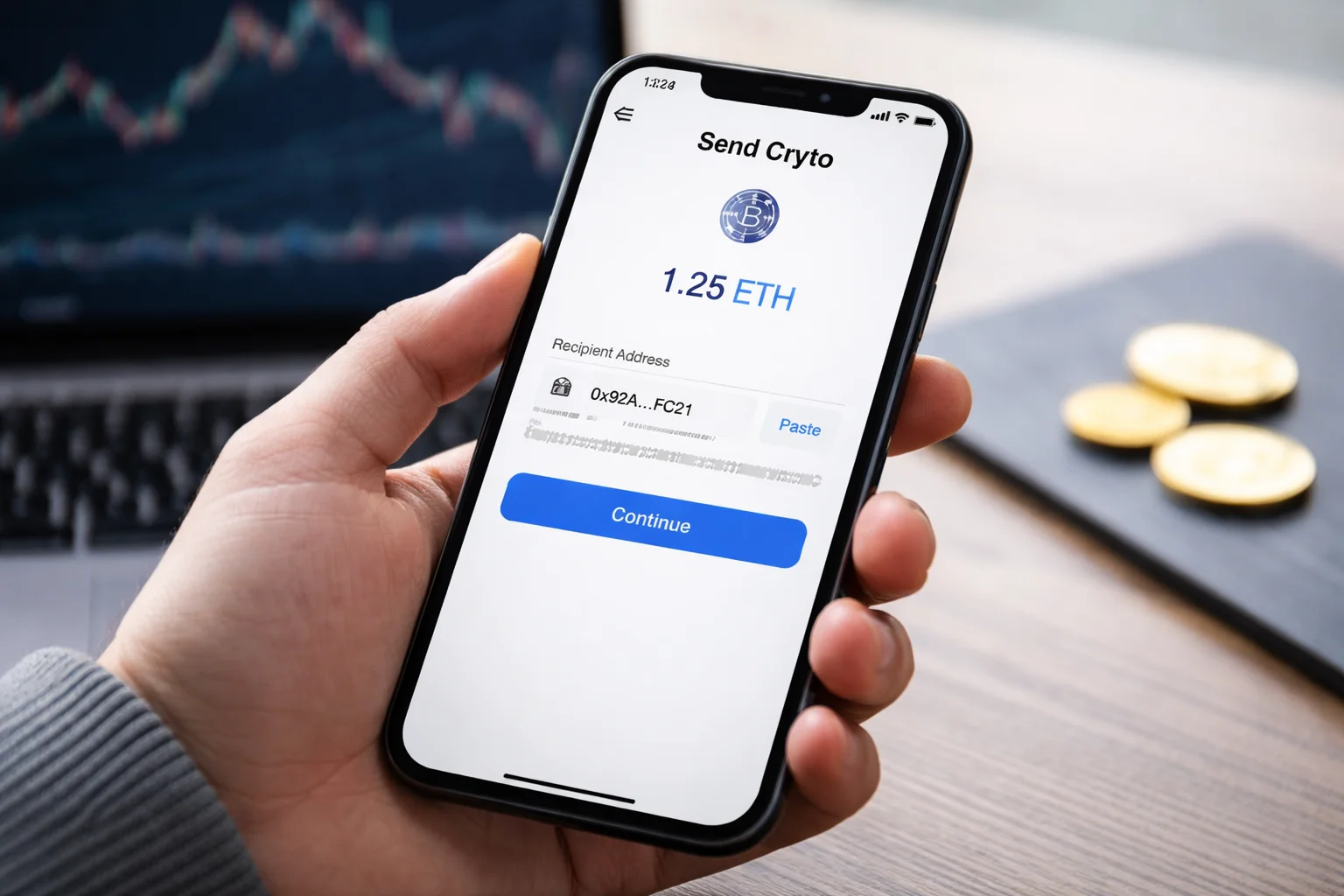 Step 3: Paste Coinbase Address
Paste the Coinbase wallet address into Robinhood’s recipient field.
Take a moment to verify:
First few characters
Last few characters
Correct asset selected
Practical tip
Many users copy the address but don’t verify it. Malware or clipboard issues can sometimes replace addresses, so checking manually is important.
Step 4: Choose Amount and Confirm
Enter the amount you want to send.
Robinhood will show:
Network fee
Estimated arrival time
Once confirmed, submit the transaction.
At this point, the crypto leaves your Robinhood wallet and is sent to the blockchain network.
Step 5: Wait for Confirmation
Crypto transfers are not instant. They require network confirmations.
For example:
Bitcoin may take longer
Ethereum is usually faster but depends on network congestion
You can track the transaction using a blockchain explorer link provided by Robinhood.
Once confirmed, the funds will appear in your Coinbase account.
 How Long Does It Take?
Transfer time depends on the network.
Typically:
Ethereum: a few minutes to 30 minutes
Bitcoin: 10 minutes to an hour or more
Delays can happen during high network activity.
Also Read: Why Is Ethereum Crashing? And What’s Moving Its Prices
Common Mistakes to Avoid
One of the biggest mistakes is sending crypto to the wrong address. Unlike bank transfers, crypto transactions cannot be reversed.
Another issue is choosing the wrong network. Some platforms support multiple networks, and selecting the wrong one can lead to loss or delays.
Users also forget about fees. While sending crypto is usually cheaper than traditional transfers, fees can increase during busy periods.
Real-World Scenario
Imagine sending Ethereum from Robinhood to Coinbase during a busy market day.
The transaction is submitted correctly, but network congestion delays confirmation. The funds don’t appear immediately, causing concern.
In most cases, the transaction is still processing and will complete once enough confirmations are reached.
Understanding this helps avoid unnecessary panic.
What If the Transfer Doesn’t Show Up?
If your crypto doesn’t appear in Coinbase:
First, check the transaction status using the blockchain explorer.
If it shows “pending,” it’s still processing.
If it shows “completed,” but not in Coinbase, double-check the wallet address used.
If everything looks correct, contact support on either platform.
Is It Safe to Transfer Crypto This Way?
Yes, transferring between Robinhood and Coinbase is generally safe if done correctly.
The main risks come from user errors, not the platforms themselves.
Frequently Asked Questions
Can I transfer all cryptocurrencies from Robinhood?
No, only supported cryptocurrencies with withdrawal enabled can be transferred.
Is there a minimum transfer amount?
Yes, both platforms may set minimum limits depending on the asset.
Do I need to convert crypto before sending?
No, you can send crypto directly without converting it.
Are there fees involved?
Yes, network fees apply and vary depending on blockchain activity.
Can I cancel a transaction after sending?
No, crypto transactions cannot be reversed once submitted.
Final Thoughts
Transferring crypto from Robinhood to Coinbase is simple when done carefully.
The most important steps are verifying the wallet address, selecting the correct network, and understanding that transactions take time.
Once you’ve done it once, the process becomes much easier and much less stressful.